Practice ASL with your camera.
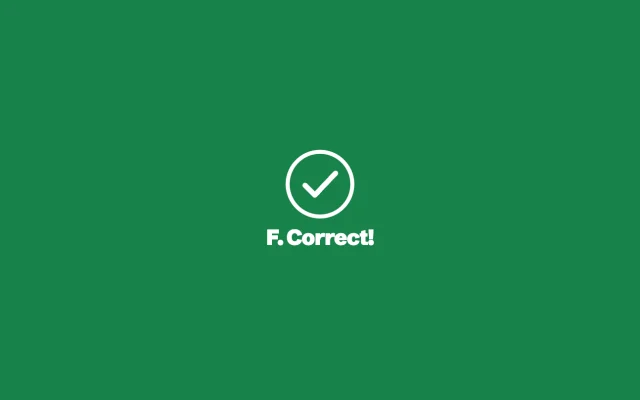
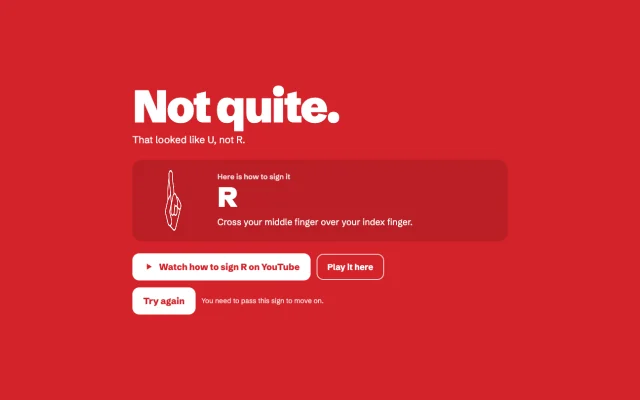
SignCheck shows you a sign. You make it with your hand. Get it right and the screen turns green. Miss it and it turns red, gives you a short video lesson, and you try again until you pass.
Daily challenge
10 signs, the same for everyone today. Sign each one right on the first try.
Today's top signers
What do you want to practice?
Pick a set. You can switch any time.
Word topics
Your camera video stays on your device. SignCheck checks your hand right in the browser and never uploads or saves the video.
How it works
Each round shows one sign with a drawing of the hand and a one-line how-to. Hold your hand up to the camera. A bar fills as SignCheck sees the right hand shape, and for words, the right place next to your face and the right movement.
Hold it and the screen turns green. Make a different sign, or run out of time, and it turns red with a YouTube lesson for that sign. Then you sign it again, and you only move on once you pass.
Sign library
Every sign SignCheck can check, each with a how-to and a video lesson.